
Navigating this guide
Moodle is compatible with any standards compliant web browser.
For an optimal user experience, we recommend using the following browsers:
- Desktop: updated versions of Chrome, Firefox, Safari & Edge
- Mobile: MobileSafari, Google Chrome For the best experience and optimum security, we recommend that you keep your browser up to date.
This guide has been structured over one week and should take you around 33 hours to complete.
The guide index
The guide index is the collapsible drawer on the left of the screen. It displays guide sections. As you move up and down the central guide area, your location is highlighted in the guide index. Clicking on an item in the guide index will open it up directly in the guide central area.
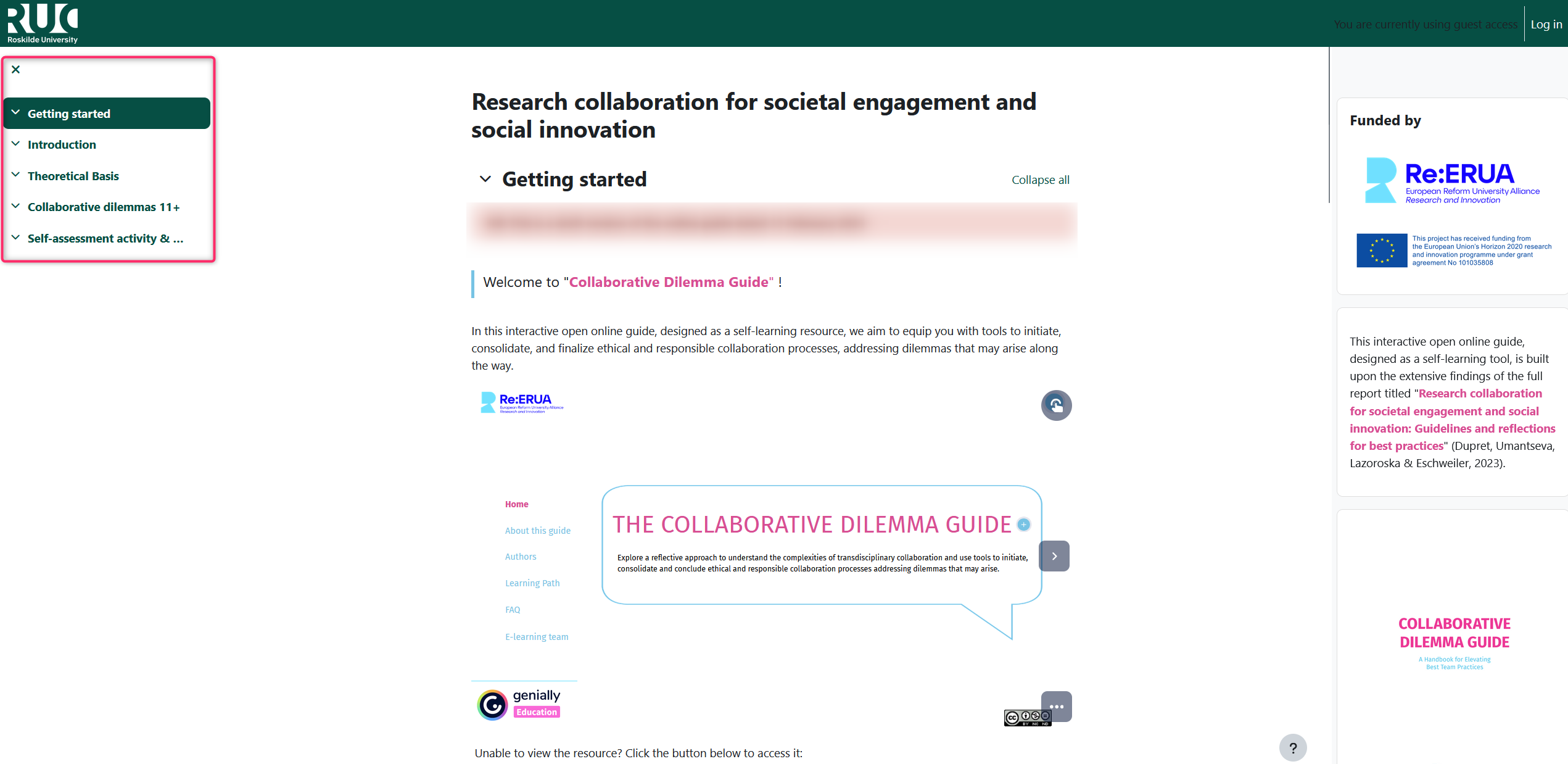
The guide index lets you access the content you're interested in with just a few clicks. Alternatively, the "Esay navigation" block and the links displayed on the right of your screen allow you to move from one content to another.
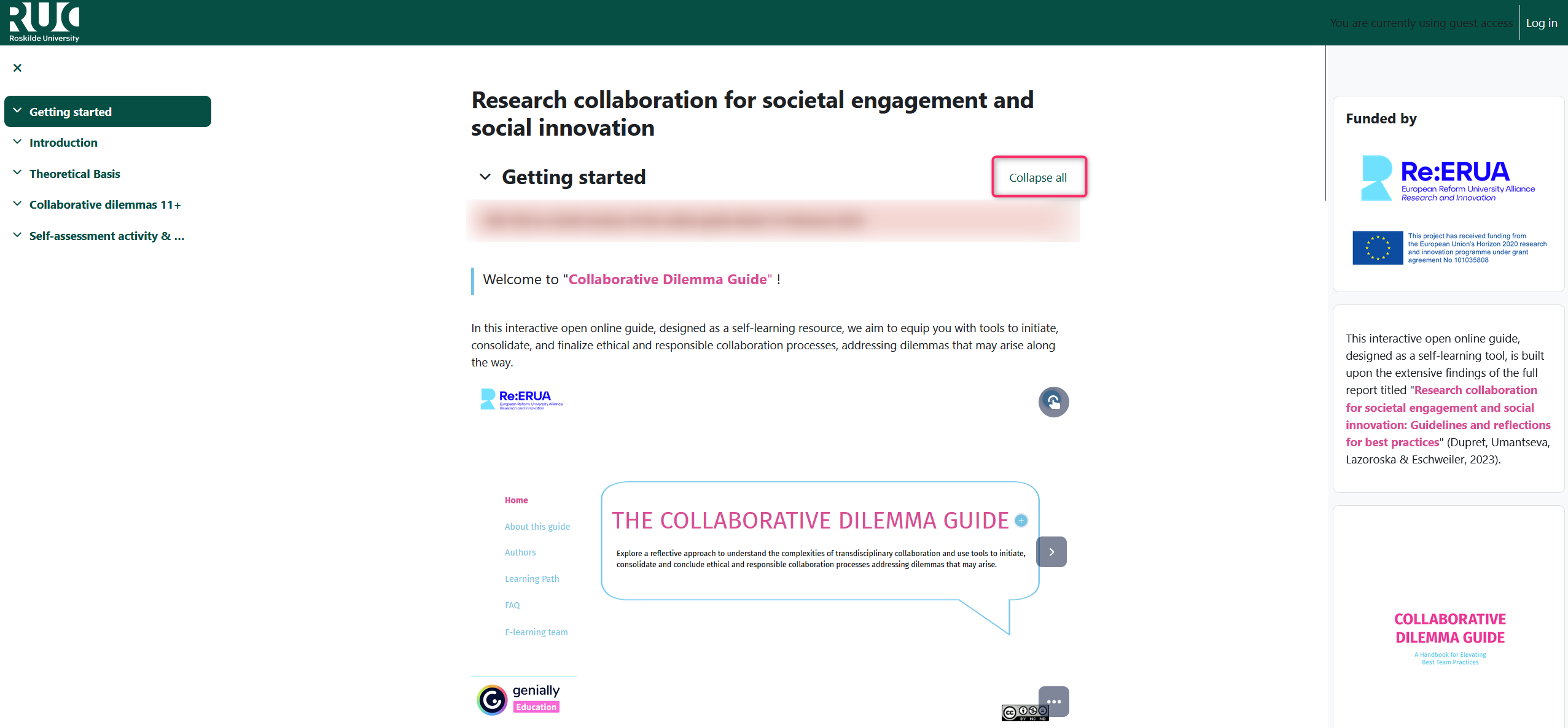
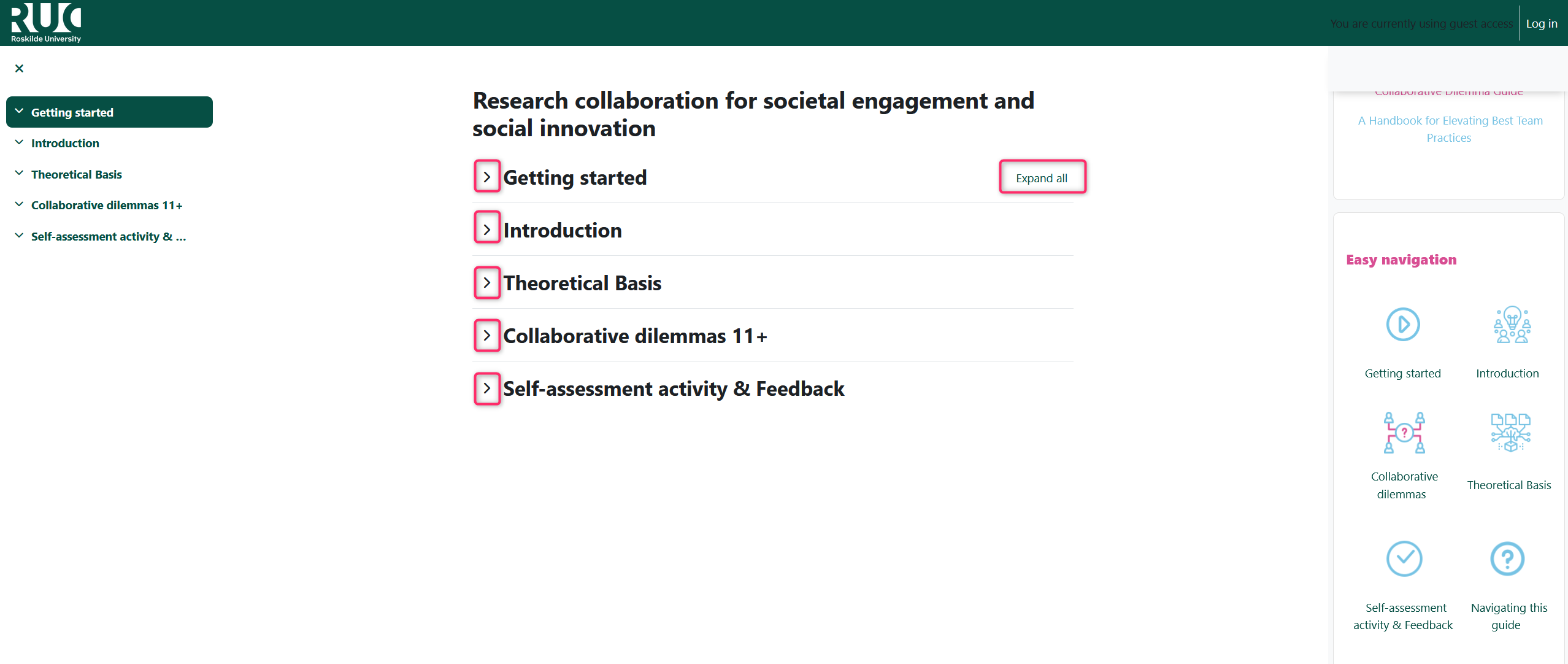
Sections in the guide index can be collapsed or expanded in bulk from the corresponding menu.
The guide contents
Each section consists of an introductory text, an interactive resource offering additional reading and listening materials, and quizzes for you to complete.
If you're having trouble accessing the interactive resources, you can utilize the buttons provided below to access direct links or download them for offline viewing.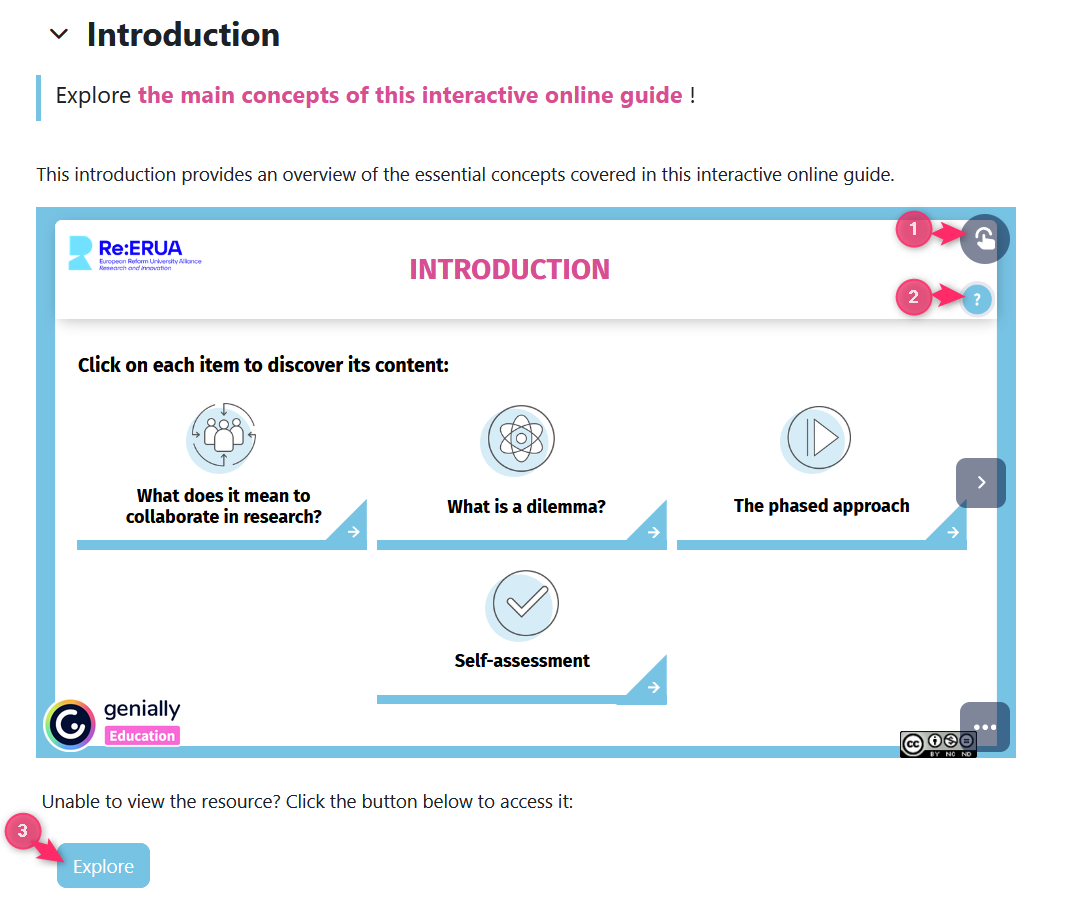
1- click on the hand icon to identify and display interactive elements.
2- click on the question mark icon to find out more about how the resource works.
3- click on this button to access the resource's direct link and display it in a new window.
N.B. The downloaded files are compressed in a zip format. To access them offline, extract the contents onto your computer and then open the genially.html file.